-
WhatsApp +86 15116118247
-
Any Questions info@terrahats.com
Why Poor Logo Artwork Delays Hat Sampling
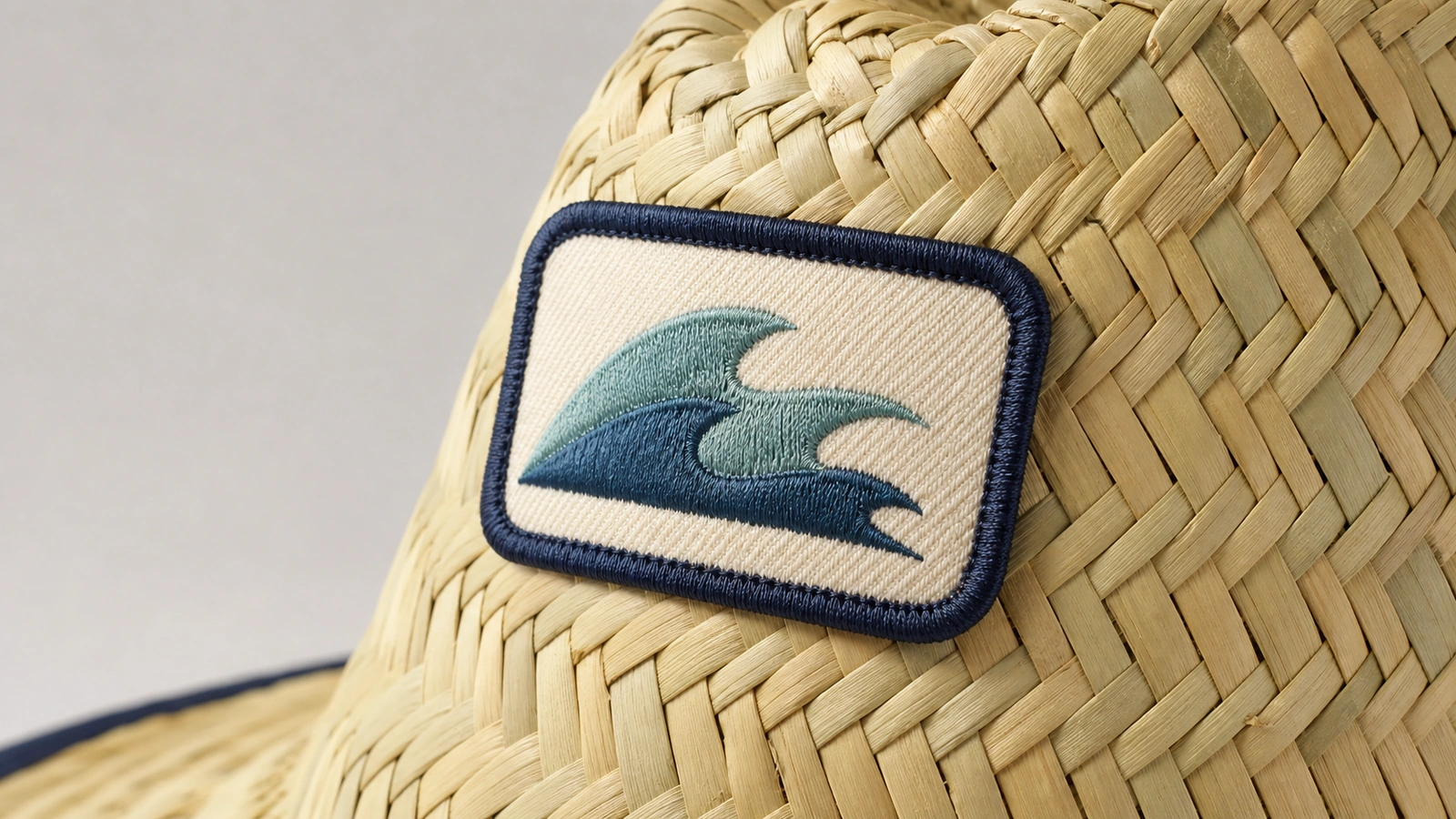
Poor logo artwork transfers unresolved decisions into artwork clarification, file preparation, mockup revisions, and approval—before a physical hat sample can be made.

A logo may look perfectly clear on a website, presentation, or phone screen and still not be ready for production sampling.
The problem is not simply “image quality.” A factory must translate the artwork into a specific decoration, at a specific size, on a curved product made from a particular material. If the file does not define the logo accurately, the production team cannot proceed without making assumptions about fonts, edges, colors, spacing, placement, or construction method.
Those assumptions can change the brand mark. A substituted font may alter the wordmark. Automatic tracing may distort a curve. A dark blue sampled from a screenshot may not be the intended brand color. Fine lines that look sharp on a monitor may merge when reduced to the approved decoration size.
As a result, the supplier may need to request another file, rebuild part of the artwork, simplify small details, confirm colors, prepare a revised mockup, or create and check embroidery stitch data. Each unresolved decision adds another review point before the physical sample can move forward.
For buyers developing custom straw hats with a logo, better artwork preparation can make the sampling process more predictable and reduce avoidable revision loops.
Table of Contents
Where Artwork Fits in the Hat Sampling Process
Logo approval is not a single file-transfer step. It usually sits inside a sequence:
- Artwork review: The supplier checks whether the files, dimensions, colors, and requested decoration method are sufficiently defined.
- Mockup preparation: The logo is positioned on the hat, band, patch, label, or other approved area for visual confirmation.
- Physical sample: The decoration is produced on the selected hat construction and material.
- Sample approval: The buyer reviews the physical result and records any approved changes before bulk production.
If the first step is incomplete, the later steps cannot reliably confirm the intended product. A polished mockup does not solve missing brand information; it only presents the supplier’s current interpretation of it.
Six Artwork Problems That Commonly Slow Sampling
1. Low-resolution images and “fake vector” files
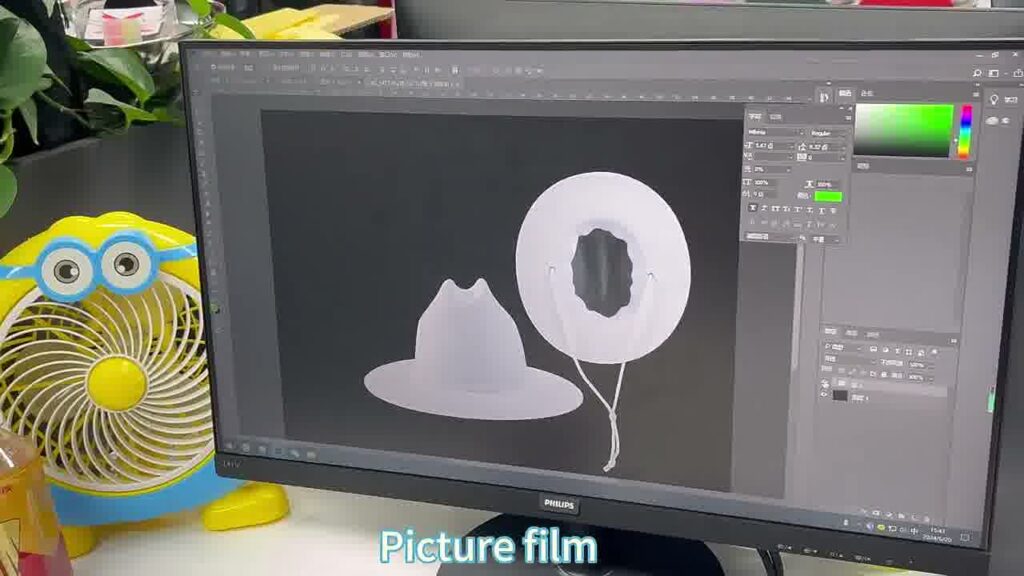
A small PNG or JPG may be adequate for an initial discussion but may not contain enough information to reproduce clean edges at production size. Enlarging it does not restore detail that was never captured.
File extensions can also be misleading. AI, EPS, and PDF files can contain embedded or linked bitmap images. Renaming a JPG with a vector extension does not convert it into editable vector paths.
Automatic image tracing may provide a starting point, but it can introduce extra anchor points, uneven curves, closed gaps, or distorted lettering. The reconstructed artwork may need manual cleanup and buyer approval before it should be treated as the production logo.
2. Missing or substituted fonts
If a wordmark uses live text and the supplier does not have the original font, design software may flag the font as missing or display a substitute. Even a visually similar replacement can change letter width, spacing, line breaks, and the overall proportions of the logo.
For an approved production version, outlined text can preserve the intended letter shapes. Buyers should also retain an editable master file with the original font information for future controlled changes.
3. Unclear or conflicting color instructions
“Use navy” is not a complete color specification. Neither is a color sampled from an email screenshot, compressed JPG, or office document.
Color conflicts are equally problematic. The logo file may show one blue, the brand guide another, and the written purchase brief a third. The supplier then needs to know which source controls the sample.
A Pantone reference or an approved physical color sample can communicate the intended color more clearly than an on-screen appearance. However, it does not guarantee an exact visual match across thread, ink, fabric, straw, woven labels, screens, lighting conditions, and different production processes. The expected tolerance and approval method still depend on the material and decoration technique.
4. More detail than the final logo size can support
Buyers often review a logo enlarged on a monitor. The factory must evaluate it at the actual decoration size.
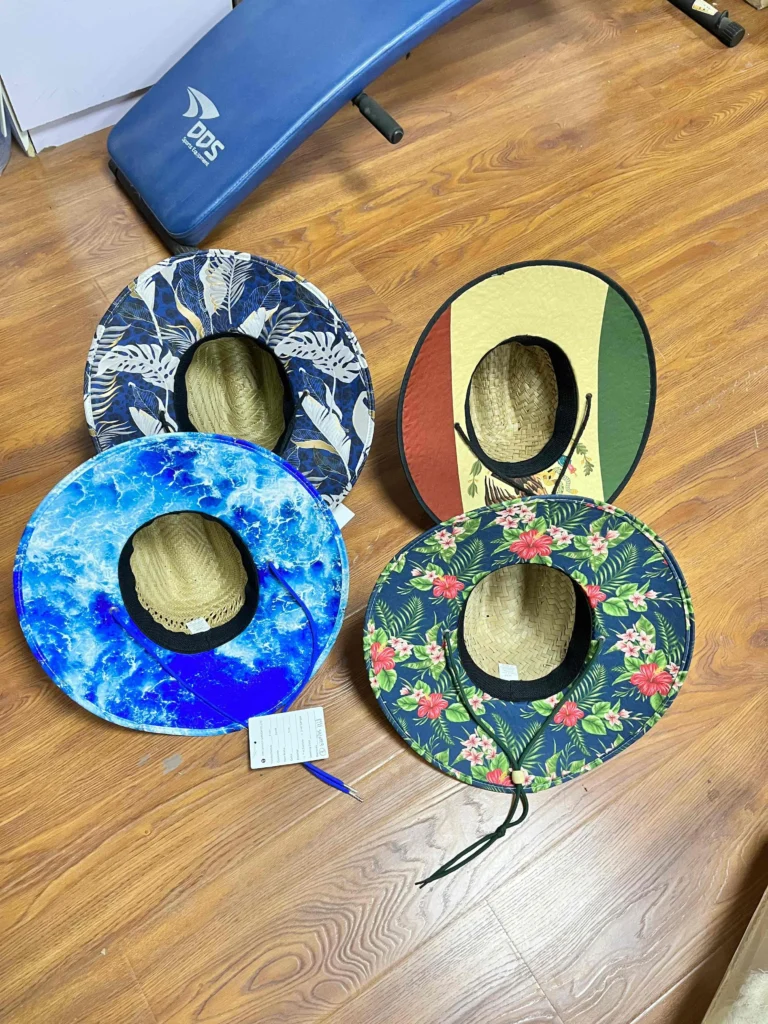
Small text, thin outlines, narrow gaps, sharp internal corners, and closely spaced elements may lose definition when reduced. Straw texture, curved crown panels, hat bands, seams, patch edges, and the chosen decoration method can further affect how details appear.
Natural and open-weave straw surfaces are less smooth and consistent than fabric panels. Fine lettering and narrow gaps may lose clarity across raised fibers or openings in the weave. Depending on the hat construction and logo, a fabric, embroidered, leather, or rubber/PU patch may provide a more controlled branding surface than applying the decoration directly to the straw.
The solution may involve increasing the logo size, choosing another placement, changing the technique, or approving a simplified small-format version. The supplier should not silently remove brand details; any simplification needs buyer approval.
5. Artwork that does not match the decoration method
A visual design is not automatically production data.
For embroidery, the logo generally needs suitable machine stitch information. Digitizing decisions may include stitch types, directions, sequence, density, underlay, and compensation. An existing embroidery file may still need review or adjustment for the selected size, material, machine setup, or hat construction. That additional preparation can affect artwork cost, add another approval step, and push back the point at which the physical sample can begin.
Gradients, transparency, very fine tonal transitions, and complex effects may also require method-specific interpretation. Depending on the relevant printing process, preparation can involve flattening, rasterization, halftones, or color separations. These requirements should not be generalized to every printing method; they depend on the process, artwork, substrate, and supplier workflow.
6. Missing version, size, placement, or usage instructions
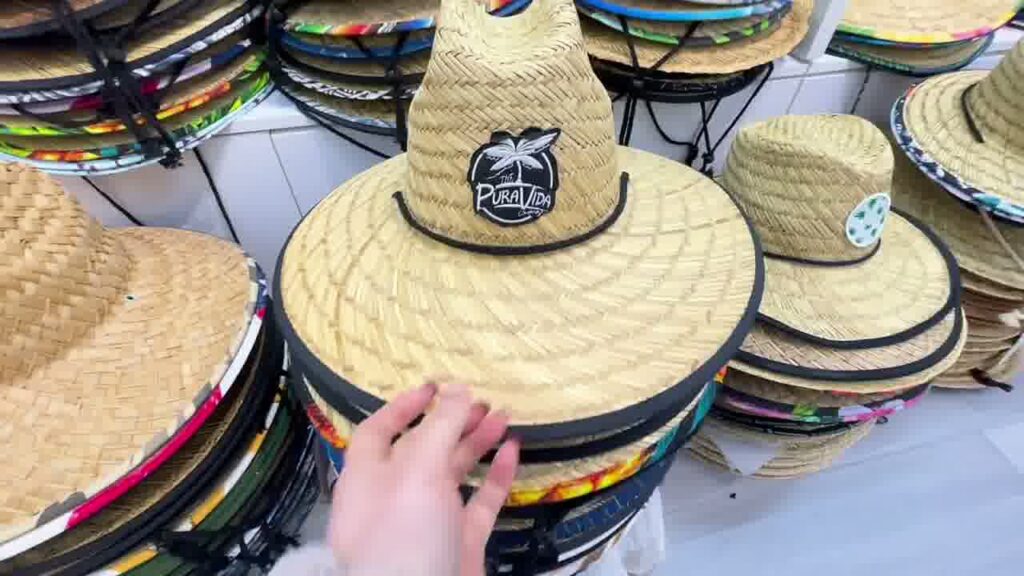
Many brands have several valid logo versions: full color, one color, reversed, horizontal, stacked, icon-only, or campaign-specific. Sending all of them without identifying the approved version creates uncertainty.
The production brief should also define:
- Decoration location, such as front crown, side, back, hat band, patch, or label
- Target width or height
- Position relative to seams, panels, brim edges, or other construction features
- Requested decoration method
- Controlling color references
Without those details, a supplier may prepare a technically clean mockup that is still the wrong interpretation.
Artwork Issue, Likely Consequence, and Better Submission
| Artwork issue | What may happen during sampling | Better submission |
|---|---|---|
| Small screenshot or web image | Enlarged edges become soft or pixelated | Send the original source file or highest-resolution image available |
| AI, EPS, or PDF containing a bitmap | The file may not be directly editable as true vector artwork | Ask the designer for artwork built with editable vector paths |
| Missing font | Text may reflow or appear in a substitute typeface | Provide an approved outlined version plus font details in the editable master |
| Conflicting color references | The supplier must pause to confirm which color controls | Identify one approved reference and explain any expected tolerance |
| Fine detail at a small size | Lines, gaps, or lettering may merge or disappear | Review the logo at final size and approve any necessary simplification |
| Artwork not prepared for the chosen method | Additional production-file preparation or method review may be required | Confirm the decoration technique and provide any existing compatible files |
| Missing size, placement, or logo version | Mockups may require repeated repositioning or redesign | Specify the approved variant, dimensions, location, and construction references |
Inquiry Artwork vs. Production-Ready Artwork
Buyers do not need a perfect production package to start a conversation.
A clear PNG, JPG, photograph, or sketch can be useful for an initial inquiry. It helps the supplier understand the design direction, estimate complexity, and identify questions. It should not, however, be mistaken for final production approval.
A production-ready submission normally needs more context:
- The approved logo version
- Intended decoration size and placement
- Decoration method
- Color references
- Relevant hat style and material
- Suitable artwork or method-specific production files
Editable vector artwork is often preferred for scaling and preparation, but the exact file requirements depend on the supplier and decoration process. Buyers should confirm what the production team needs instead of relying only on the filename.
Buyer Checklist Before Submitting Logo Artwork
Use this checklist when preparing a sampling package:
- Identify the final approved logo variant or variants.
- Include editable vector artwork when available, or the highest-resolution raster source.
- Convert approved display text to outlines and retain the editable master with font information.
- State which color reference controls the sample.
- Confirm the requested decoration method.
- Specify the target logo width, height, or controlling dimension.
- Define placement relative to panels, seams, brim edges, patches, or bands.
- Identify the hat style being sampled.
- Confirm the relevant hat or decoration material.
- Include any existing embroidery, print, or other machine-production files for review.
- Add a visual reference showing the intended scale and location.
- Name the person authorized to approve artwork changes and mockups.
These decisions should also align with the available hat customization options. A logo prepared for a patch, for example, may need different dimensions and edge allowances from artwork intended for direct embroidery or another technique.
What If You Do Not Have a Perfect Logo File?
Do not delay the initial inquiry while searching for a file that may not exist. Send the best source material available and clearly label what is known and unknown.
A useful starter package may include:
- An older PDF or brand presentation
- The largest available PNG
- A photograph of a previous product
- A brand guide
- Font names or licensed font files where sharing is permitted
- Pantone references
- A placement sketch with measurements
- Notes identifying elements that must not change
Also explain which features are flexible. For example, the logo proportions may be locked while the minimum line thickness can be adjusted for the selected technique.
If the supplier must redraw, trace, simplify, or otherwise rebuild the logo, treat the result as a new production interpretation. Review and approve it before the physical sample proceeds.
Frequently Asked Questions
Can I send a PNG or JPG for a custom hat inquiry?
Yes. A clear PNG or JPG can be useful for an initial inquiry, visual estimate, or feasibility discussion. Whether it is sufficient for production depends on its resolution, the required size, the decoration method, and the supplier’s workflow.
Is every AI, EPS, or PDF file automatically vector artwork?
No. These file formats can contain bitmap images as well as vector elements. The file needs to be inspected; its extension alone does not confirm that the logo is built from editable paths.
Does every embroidered logo need new digitizing?
Embroidery requires appropriate stitch data, but new digitizing may not always be necessary. An existing compatible machine file may be reusable after review. Changes in size, fabric, placement, hat construction, or machine requirements can still require adjustment or redigitizing.
Does a Pantone number guarantee an exact color match?
No. A Pantone reference can improve color communication, especially when paired with a current physical reference, but appearance can vary with material, process, surface texture, lighting, and production conditions. The achievable result and approval standard depend on the specific application.
When should the buyer approve the logo?
Approve the selected logo version, dimensions, placement, color direction, and any reconstructed or simplified artwork before physical sampling. Then evaluate the decoration on the actual sample according to the agreed sample policy.
Make Artwork Decisions Before They Become Sample Revisions
Poor logo artwork delays sampling because it leaves production decisions unresolved. The factory may need to determine what the logo is, which version applies, how it should be produced, and what changes are acceptable—all before making the sample the buyer expected.
A stronger submission does not need to begin with perfect files. It needs a clear source, a defined application, and an approval path.
Send TerraHats the best logo files you currently have together with the intended hat style, placement, size, material, and decoration method. The team can assess what remains to be confirmed before sampling proceeds. Feasibility and preparation requirements may vary by design and application.
Send Your Artwork for a Feasibility Review →
Technical References
The following official technical resources explain general file, font, color, and embroidery concepts. They do not replace project-specific advice from the production supplier.
- Adobe: Importing bitmap images in Illustrator
- Adobe: Linked and embedded files in Illustrator
- Adobe Fonts: Resolve missing fonts
- Wilcom: Autodigitizing concept
- WilcomWorkspace: About embroidery files
- Pantone: Physical samples for selected colors